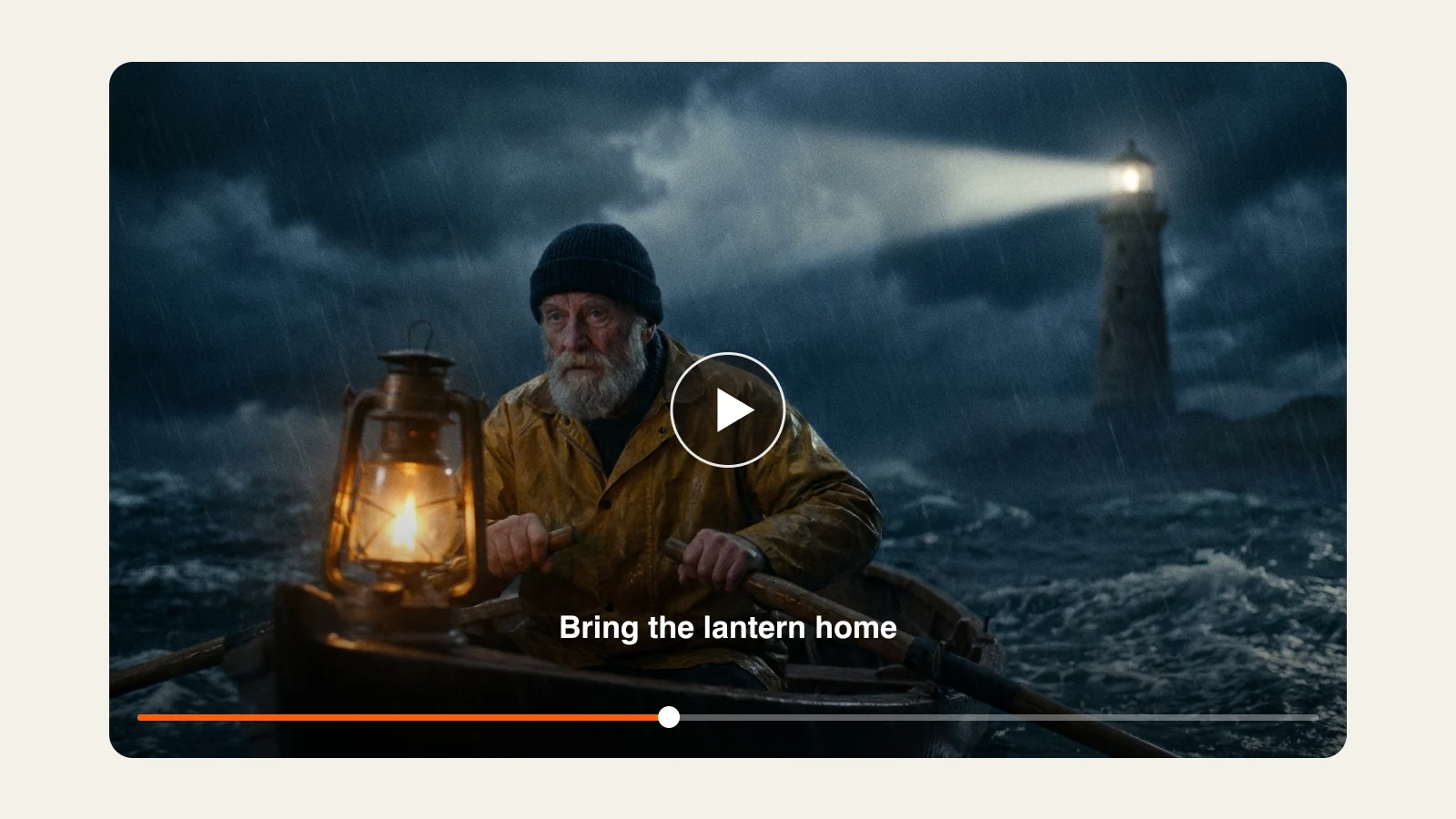
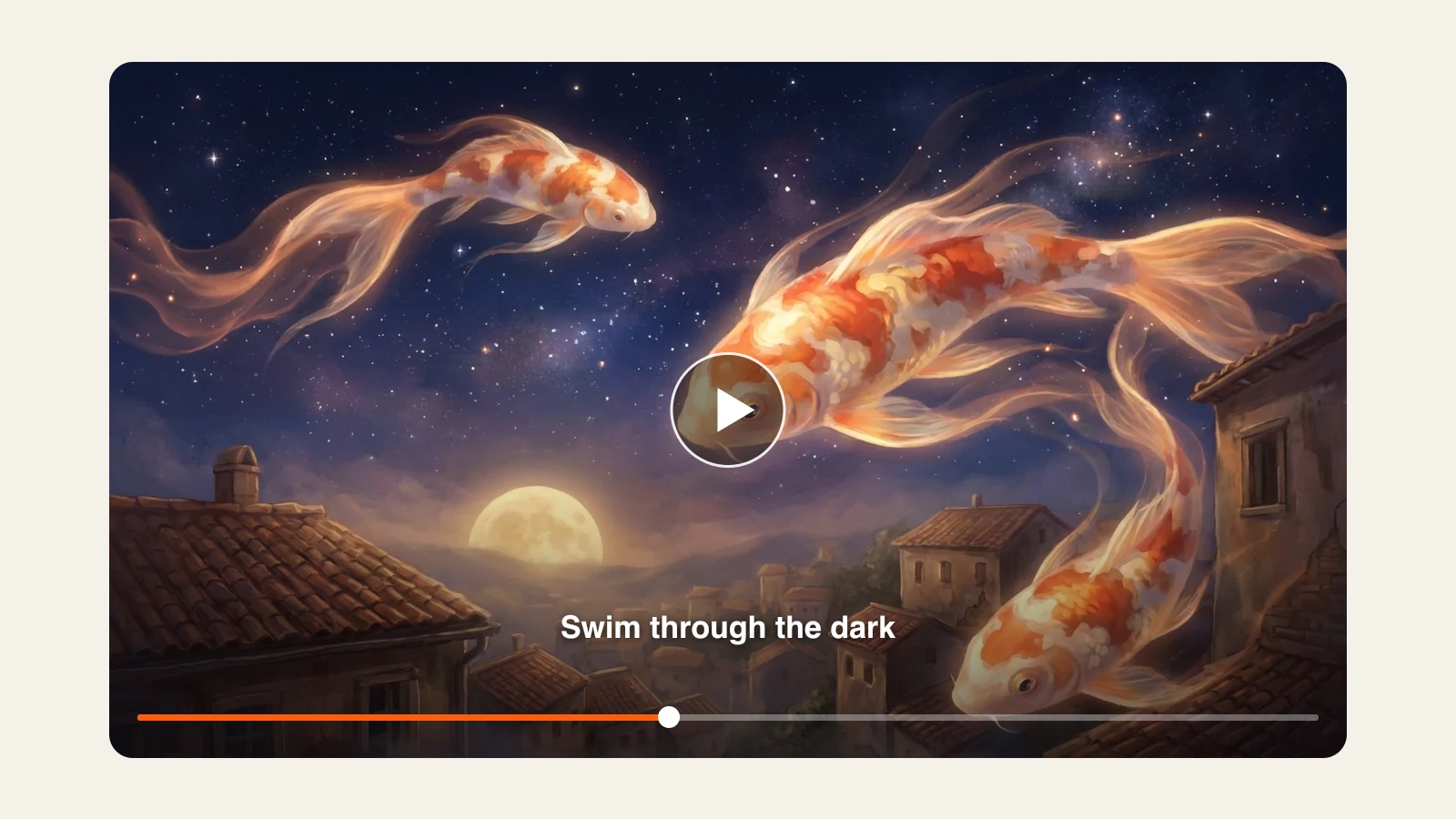
Add your song and write how it should look. ClipNova hears the track, turns each sung line into a scene of its own, times the cuts to the music and puts the words on screen as lyric captions. Story songs, kids songs and visualizers, as 16:9 for YouTube or 9:16 for Shorts and TikTok.
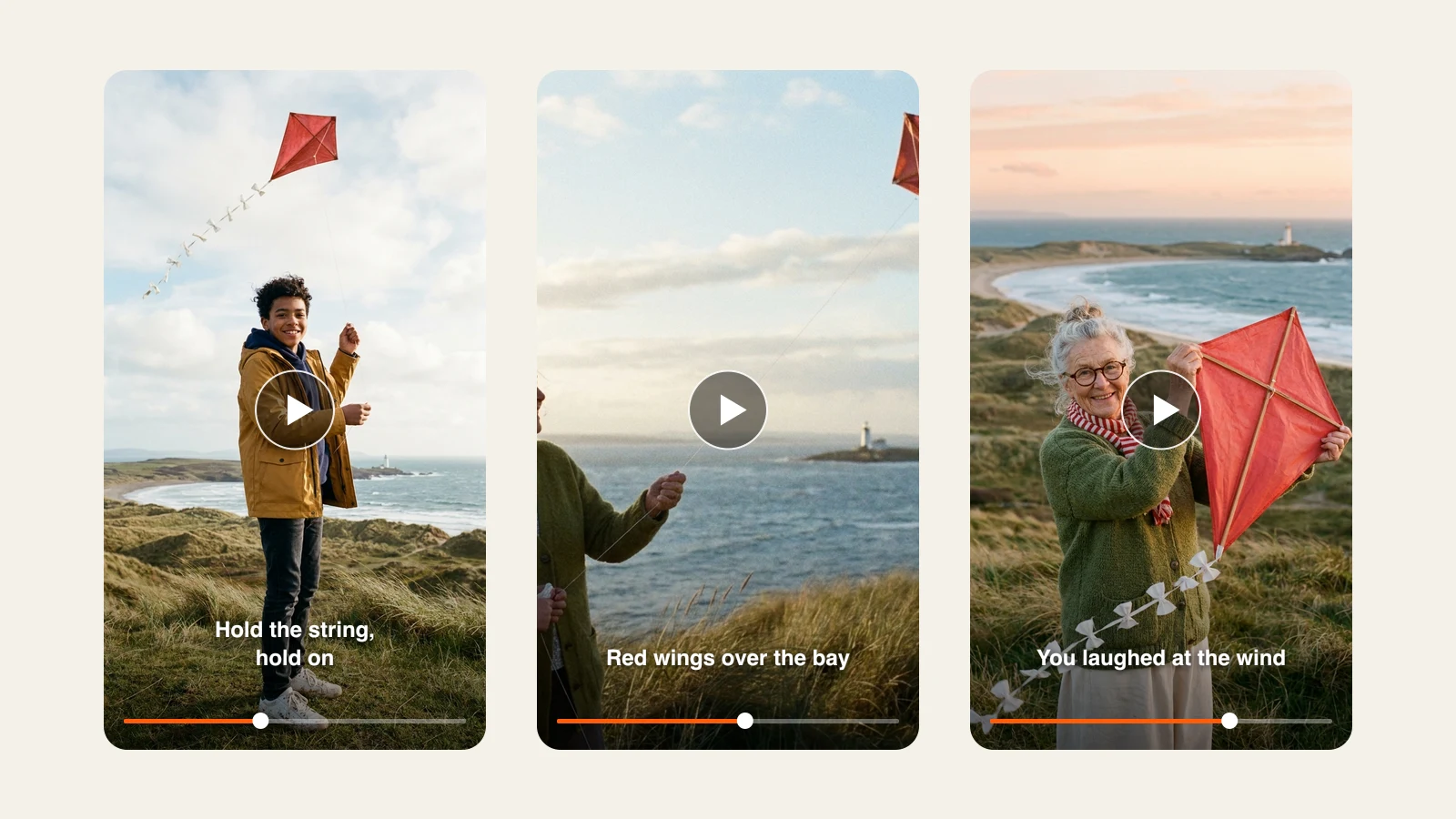
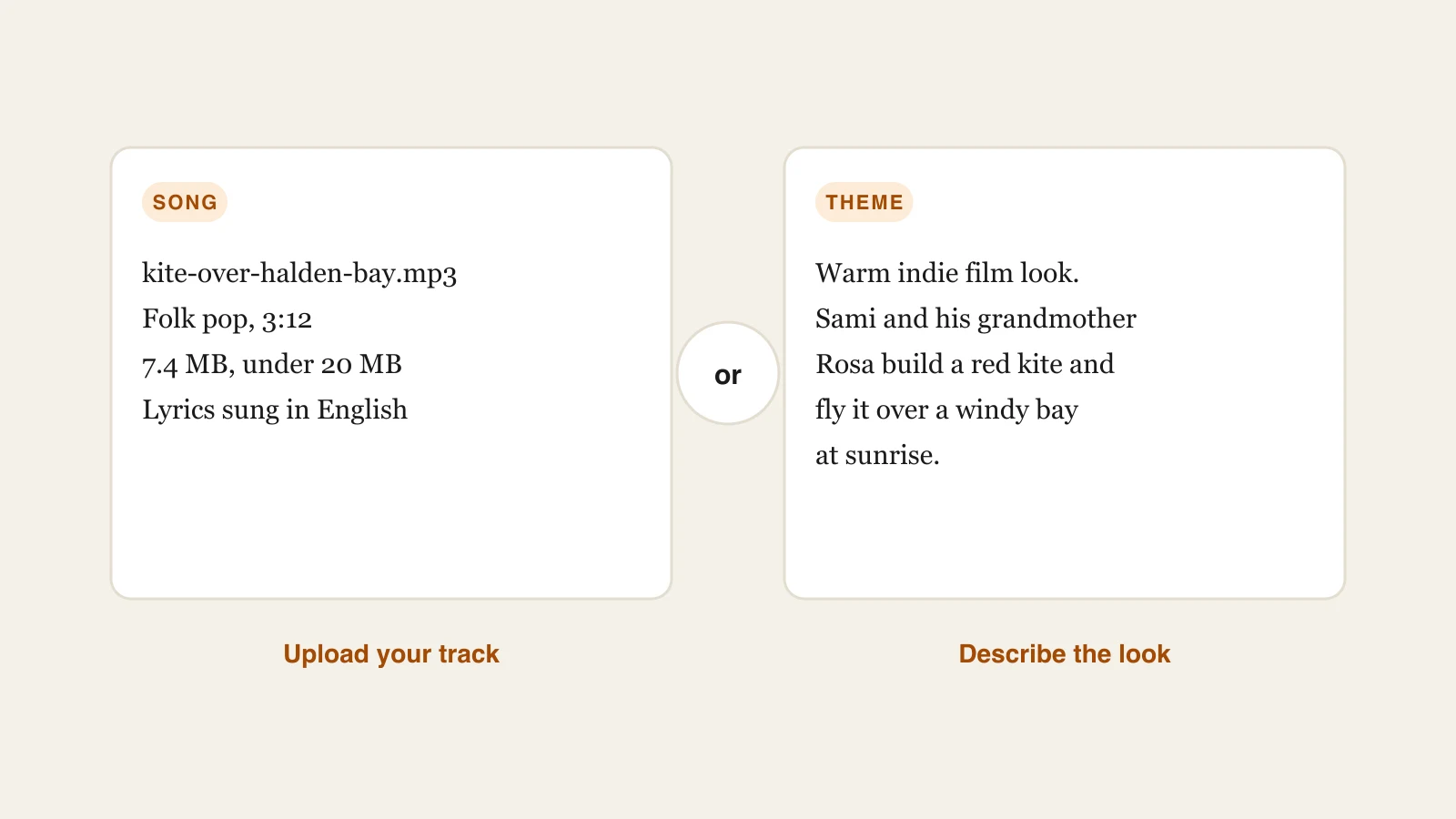
Follow one folk pop song, “Kite Over Halden Bay”, from the MP3 to the final export: Sami and his grandmother Rosa build a red paper kite and fly it over a windy bay at sunrise. The steps follow the Music to Video tool; every video frame is an illustration of the kind of music video you can make.
Open Music to Video and add your song as an MP3, WAV, OGG, M4A or AAC file of up to 20 MB. Next, write the visual theme in plain words, up to 2,000 characters, covering the style, the people and the settings. The finished video matches the length of your song.
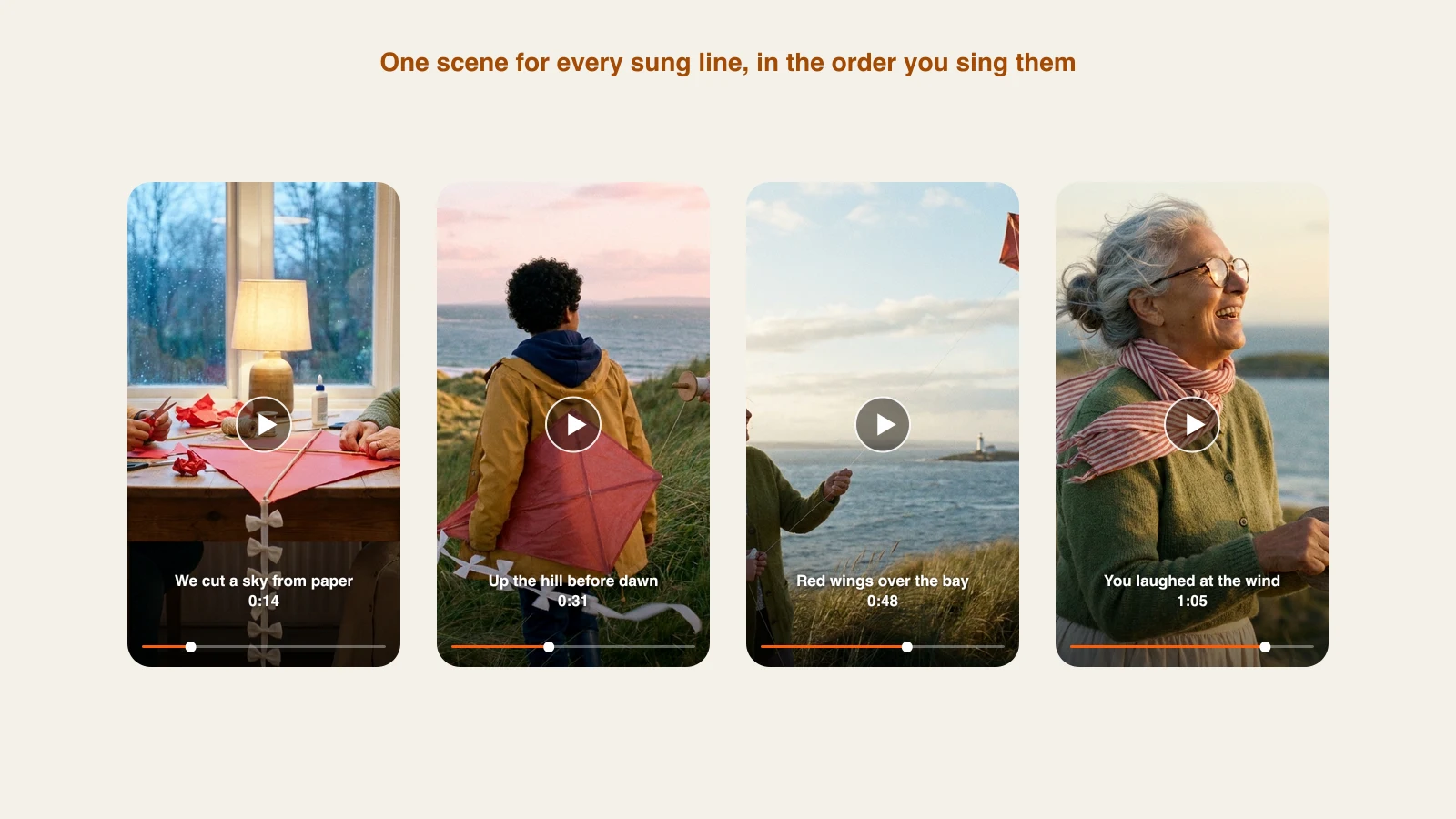
ClipNova hears the vocals, picks out the words and plans a scene per line, so what you see matches what is sung: the paper kite, the climb up the hill, the red wings over the water. Parts with no vocals get scenes in the mood your theme sets.
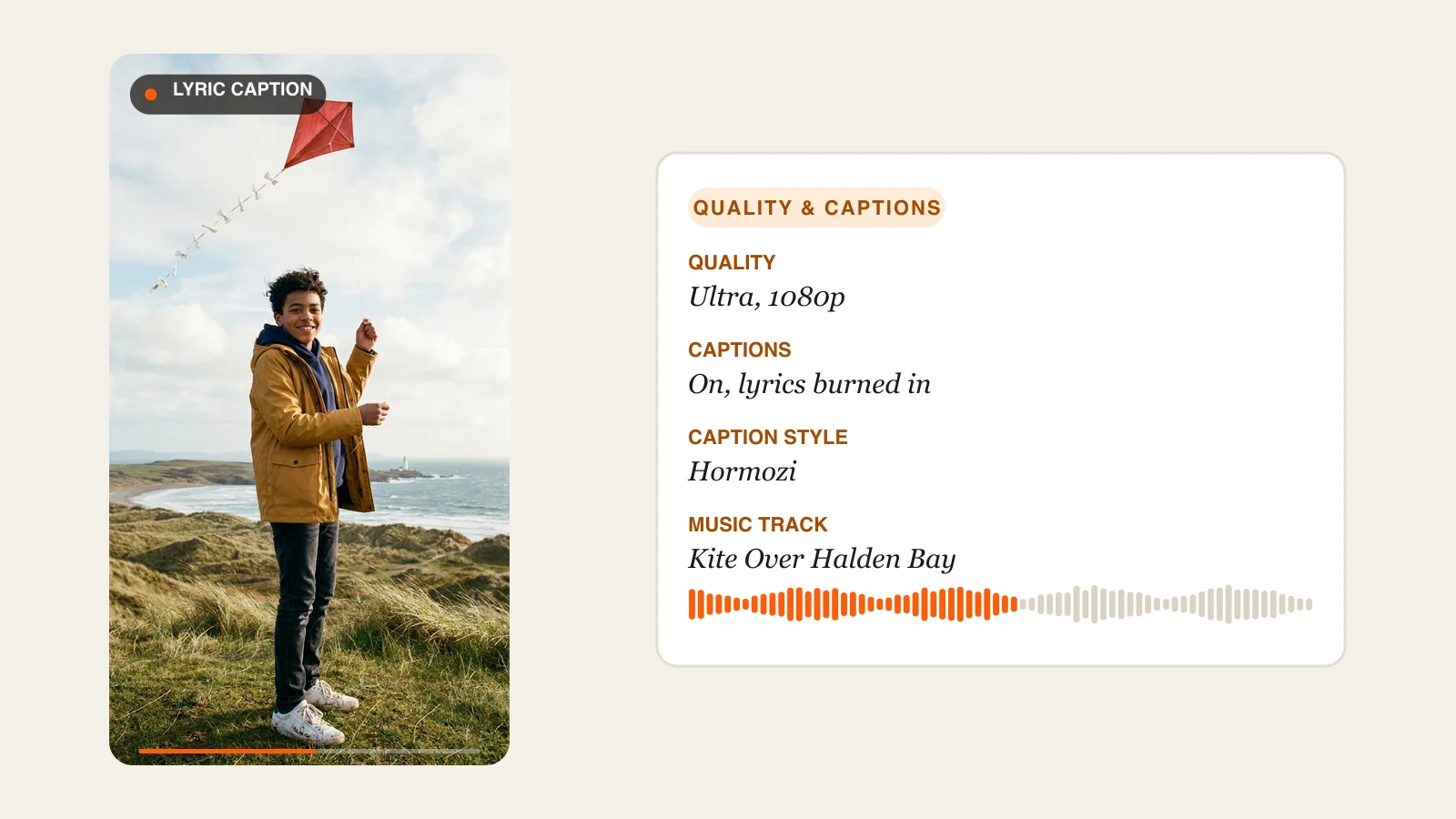
Pick Base at 480p, Pro at 720p or Ultra at 1080p. Lyric captions start switched on: ClipNova separates the vocals from the mix and burns the words in, in a style like Hormozi. Turn them off when you want a clean visualizer.
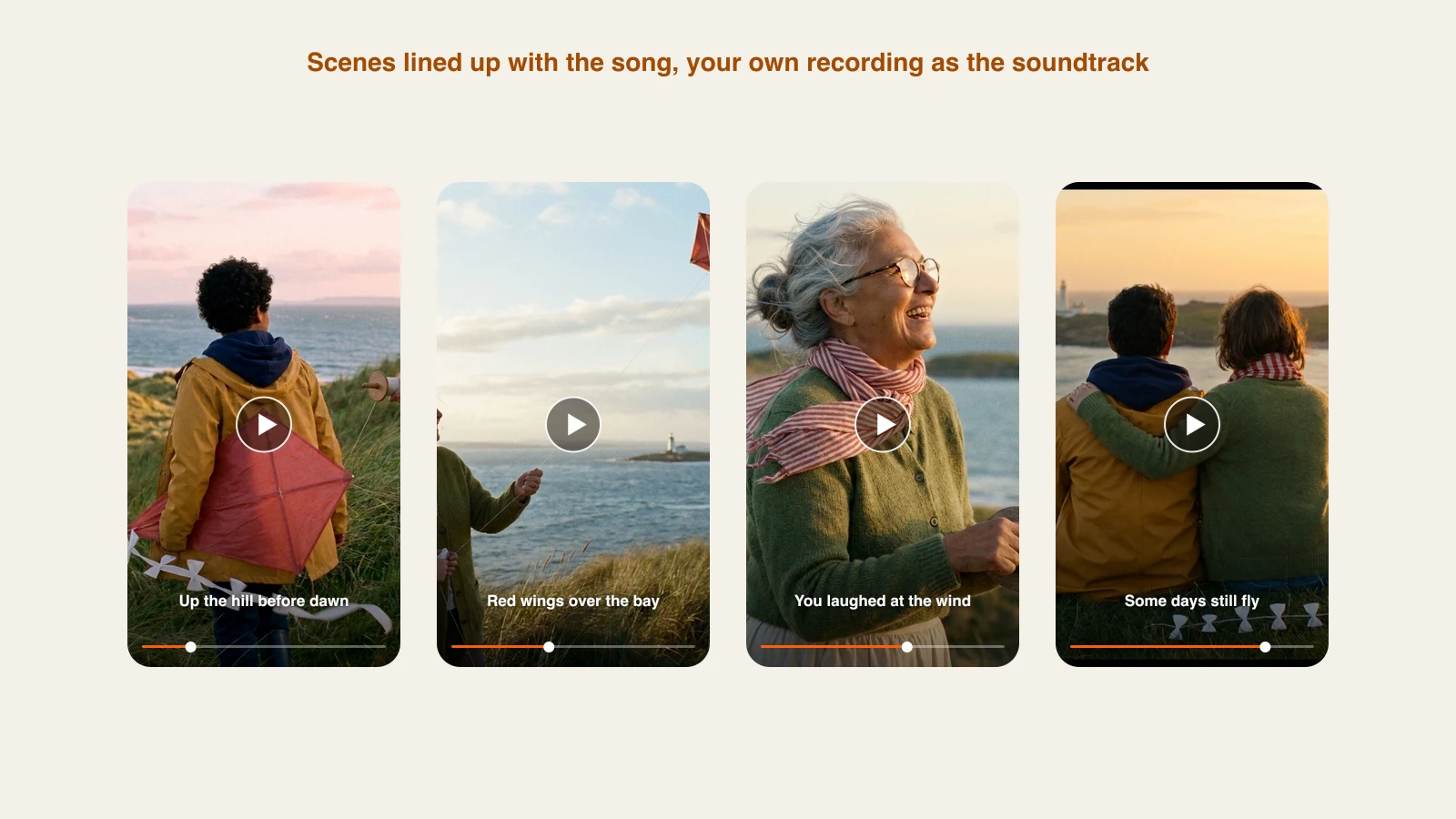
Scenes are joined in order and lined up with the song, and your own recording plays as the soundtrack. ClipNova never rewrites or swaps your music; it creates the visuals and the edit to fit around it.
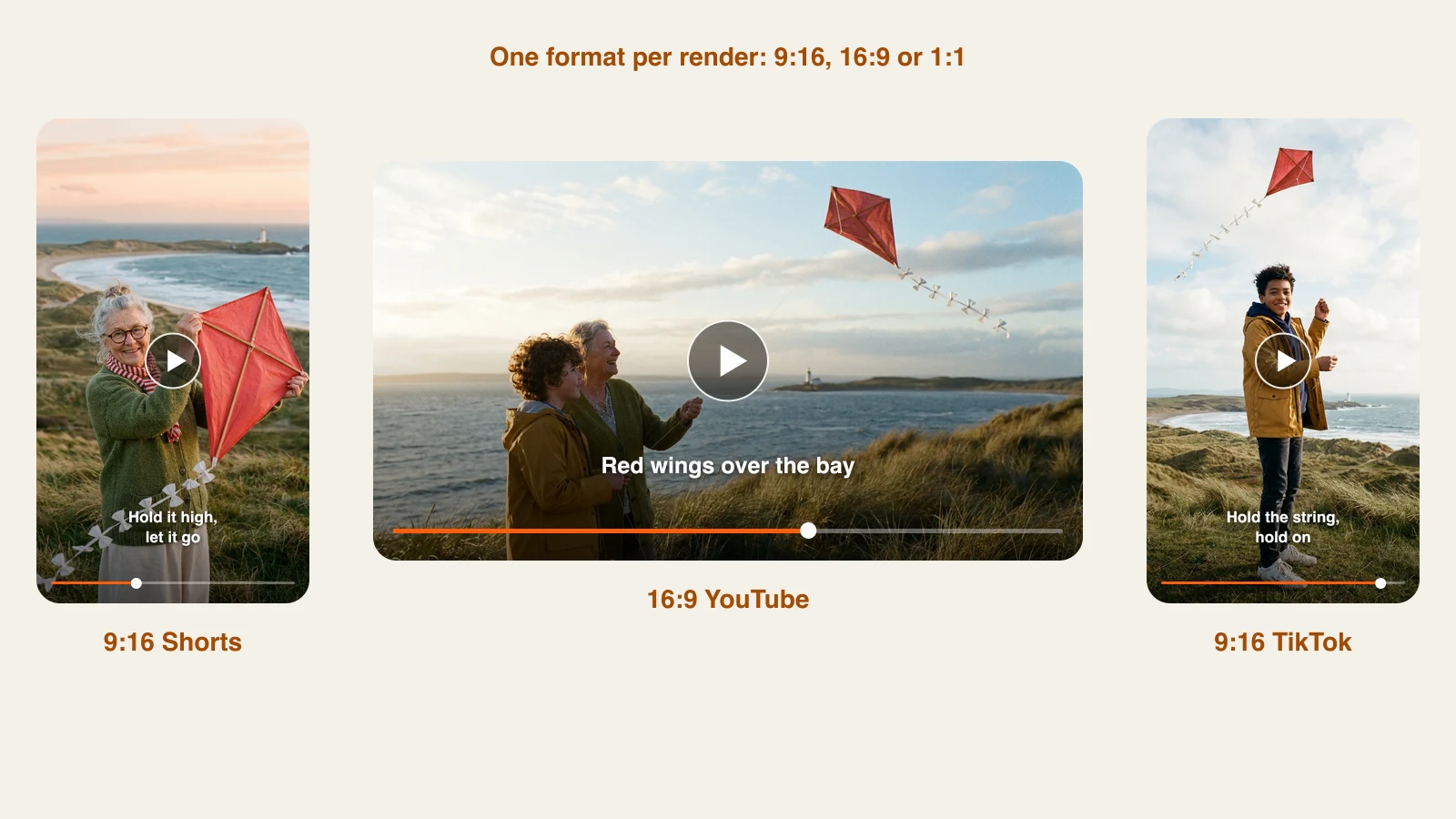
Go 16:9 for an artist channel or a kids channel on YouTube, 9:16 for Shorts, Reels and TikTok, or 1:1 for posts in the feed. Every render produces the single format you choose.
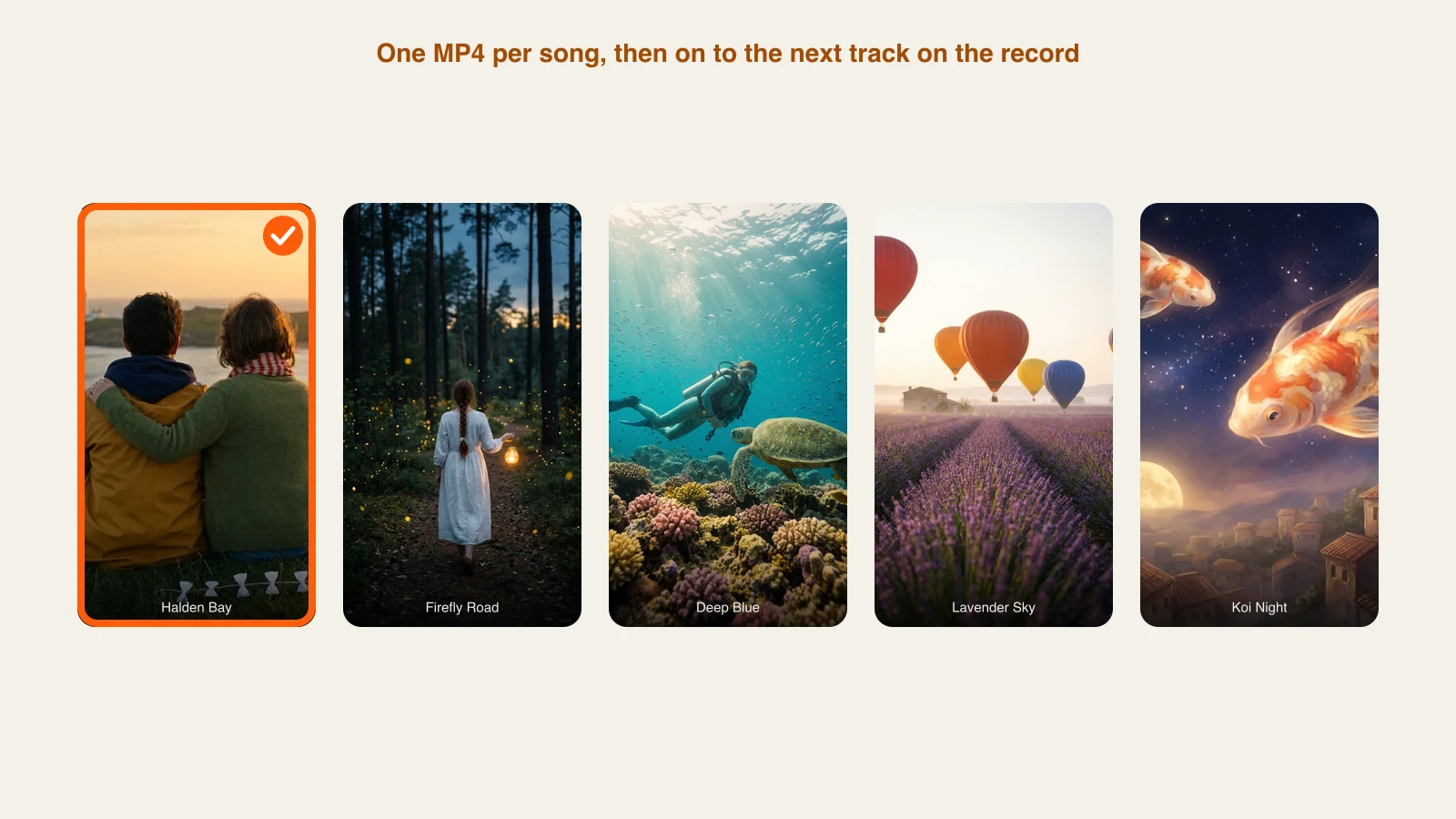
You get the music video back as a single MP4 without a watermark, with full commercial rights to the visuals. Then start the next one: give every song on the album its own video, its own story and its own look.
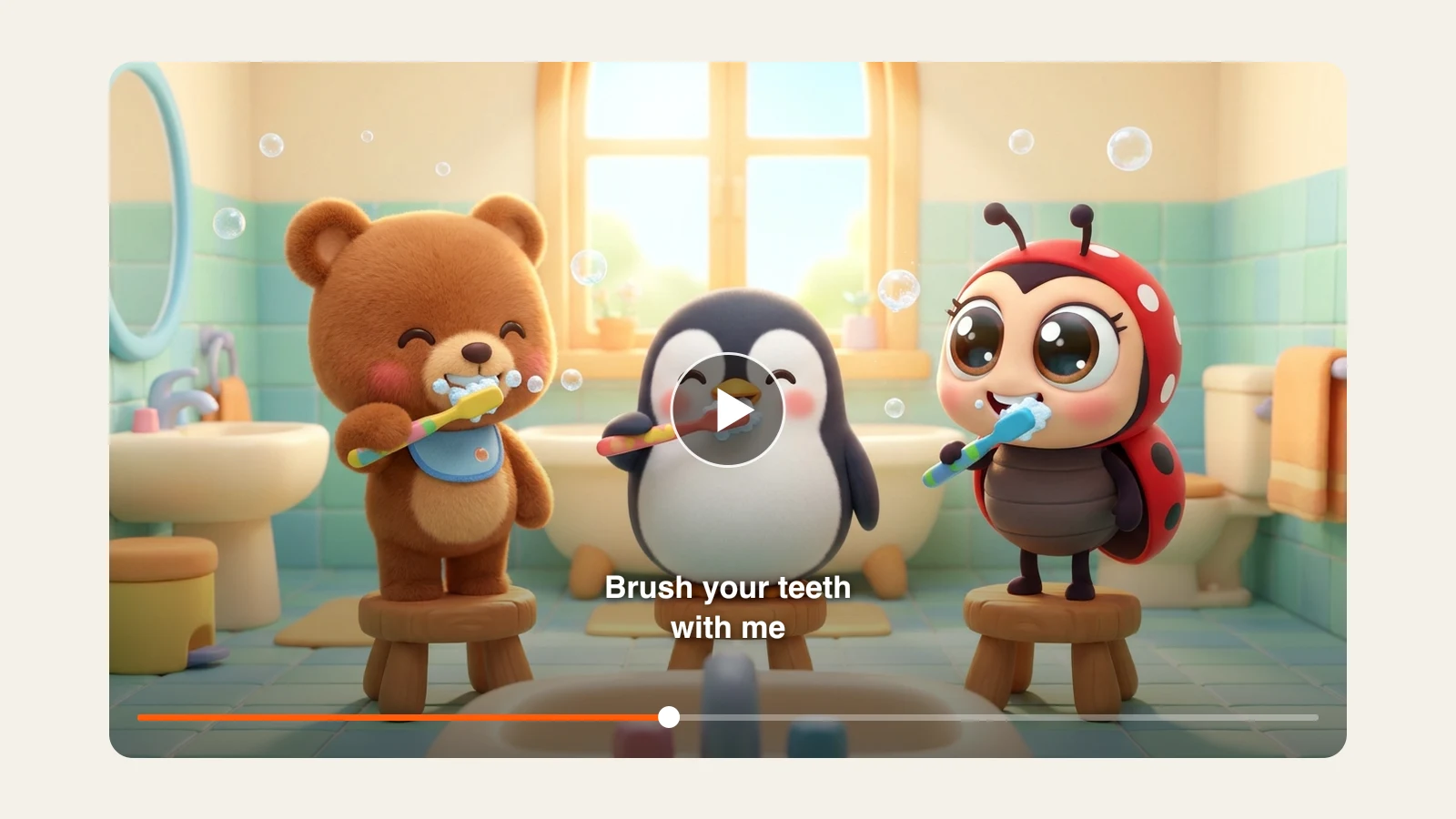
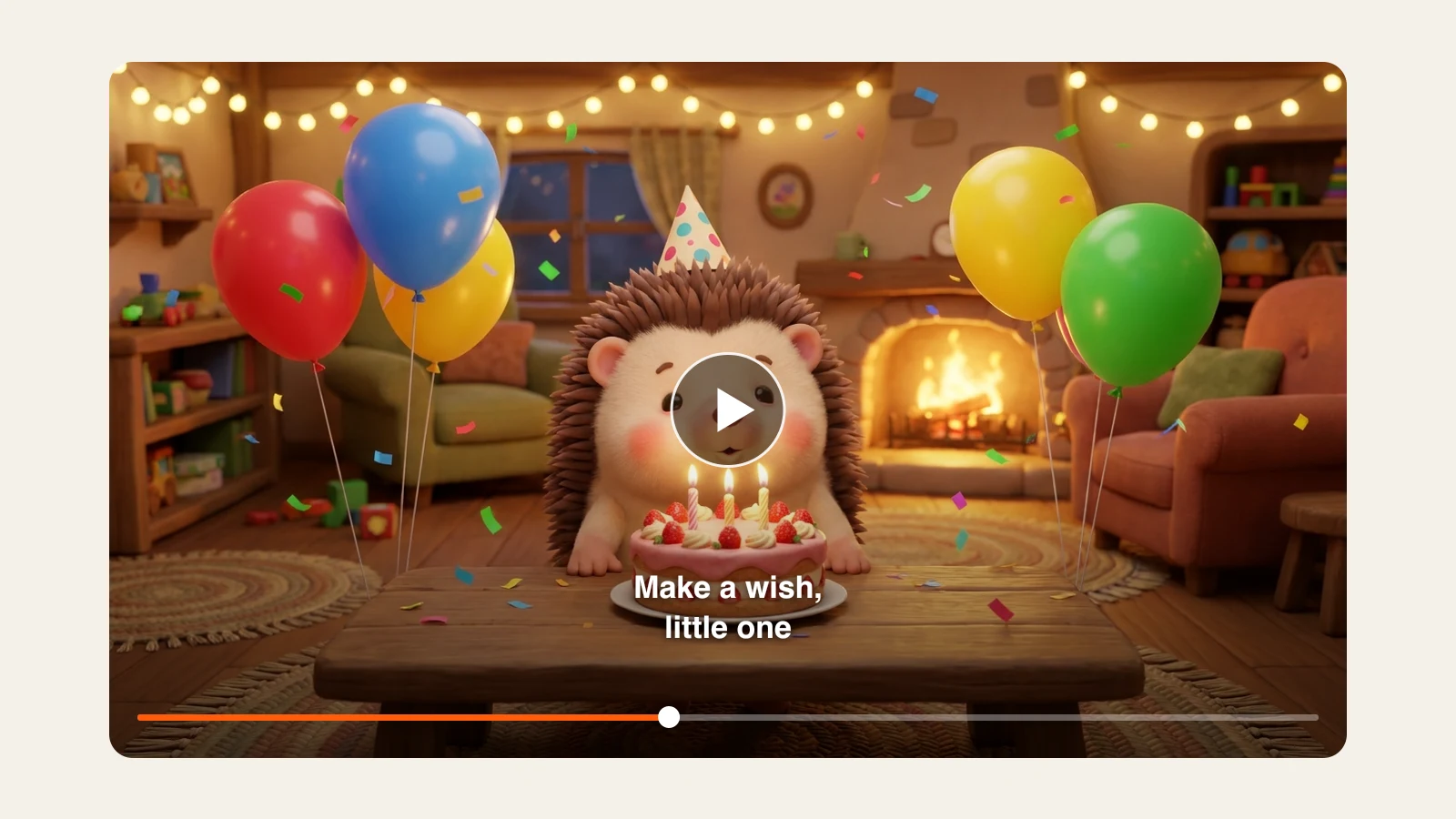
The kinds of music videos ClipNova users create most often. Every frame here is an illustration of what you can make.
It turns a song into a complete music video. With ClipNova you upload the track and write the look you want; the AI plans one scene per sung line, generates each scene, edits them to the music, adds the lyrics as captions and keeps your recording as the soundtrack.
The most common are story videos for ballads and love songs, visualizers for new singles, and kids songs for learning or the holidays. Put the plot, the characters and the visual style in your theme, and every sung line turns into a scene.
No. You bring your own track, and it plays unchanged as the soundtrack. ClipNova handles the pictures and the edit. Upload only songs you own or are licensed to use.
It matches your track: a 30 second hook becomes a 30 second video, and a whole song becomes a full length video. Files can be up to 20 MB, and a longer song uses more credits.
Choose 9:16 for Shorts, Reels and TikTok, 16:9 for YouTube, or 1:1 for the feed (Ultra offers 9:16 and 16:9 only). Base renders at 480p, Pro at 720p and Ultra at 1080p.
Plans begin at $39/mo. The price depends on how long your song is and which quality you choose, and the app shows the exact credits before you generate. Reserved credits you do not use come back once the video is finished.
Creators turn their songs into videos people watch, with no crew, no editing software and no learning curve.